
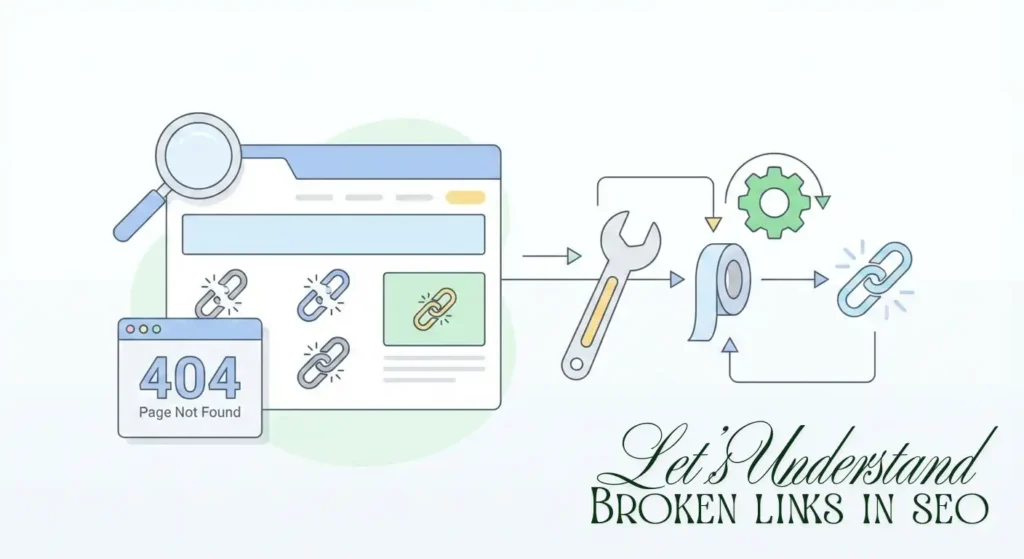
You click a link expecting helpful information… and land on a “404 Page Not Found.” Annoying, right?
Now imagine that happening to visitors on your website.
That’s exactly what broken links and 404 errors do and while Google won’t slap you with a penalty for a few of them, they do quietly damage your SEO, user experience, and site authority over time.
In this mini guide, you’ll learn:
✔ What broken links and 404 errors really are
✔ Do broken links affect SEO?
✔ How to find broken links on a website
✔ The best broken links checker tools
✔ How to fix broken links and 404 errors properly
Let’s clean up your site.
What Are Broken Links?
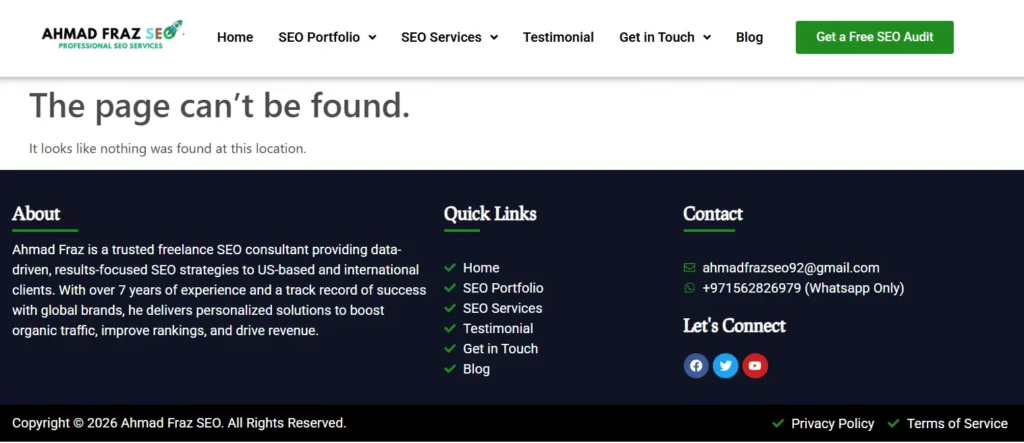
Broken links are links that point to pages that no longer exist or can’t be accessed.
When someone clicks one, the server usually responds with a 404 error, which means:
“The page you’re looking for can’t be found.”
Broken links can happen when:
A page was deleted
A URL was changed without a redirect
There’s a typo in the link
A linked external website removed its page
Major Types of Broken Links
Understanding the difference helps you fix them faster:
| Type | What It Means |
|---|---|
| Internal broken links | Links on your site pointing to missing pages on your own domain |
| External broken links | Links from your site to pages that no longer exist on other websites |
| Broken backlinks | Other websites link to your page that now returns a 404 |
Each type affects Broken Links in SEO in a slightly different way.
What Are 404 Errors?
A 404 error is an HTTP status code that means:
The server is reachable, but the specific page does not exist.
Not all 404s are terrible. Sometimes they’re natural like when an old product is permanently removed. But when important pages or internal links return 404s, it becomes an SEO and usability problem.
Think of 404 errors like dead ends on a road. Users (and search engine crawlers) hit them and can’t move forward.
Do Broken Links Affect SEO?
Short answer: Yes! Indirectly, but significantly.
Google has stated that broken links typically do not directly harm your site’s rankings. However, many broken links can make your site harder to crawl and give poor user experience, which indirectly affects SEO performance.
Poor User Experience
When users hit 404 pages:
They lose trust
They leave your site faster
Bounce rate increases
Google tracks engagement signals. If visitors consistently hit dead pages, it sends a quality signal problem.
Crawl Budget Waste
Googlebot has limited time on your site. If it keeps crawling URLs that return 404 errors:
It wastes crawl resources
Important pages may get crawled less often
New content might get indexed slower
This is a hidden but real way broken links hurt technical SEO performance.
You may love to read also: What is Crawl Depth and how to Fix it?
Lost Link Equity (Ranking Power)
If a page with backlinks returns a 404:
All the authority from those links is lost
That ranking power doesn’t pass to other pages
Fixing broken backlinks is one of the most overlooked SEO wins.
How to Find Broken Links on a Website?
You can’t fix what you can’t see. Here’s how professionals run a broken links check.
Use a Broken Links Checker Tool
These tools crawl your site and report all broken URLs.
Popular options:
Ahrefs broken links report
Screaming Frog SEO Spider
SEMrush Site Audit
Sitebulb
These tools do check the entire site for broken links by crawling page-by-page like Google does.
Google Search Console (Free Method)
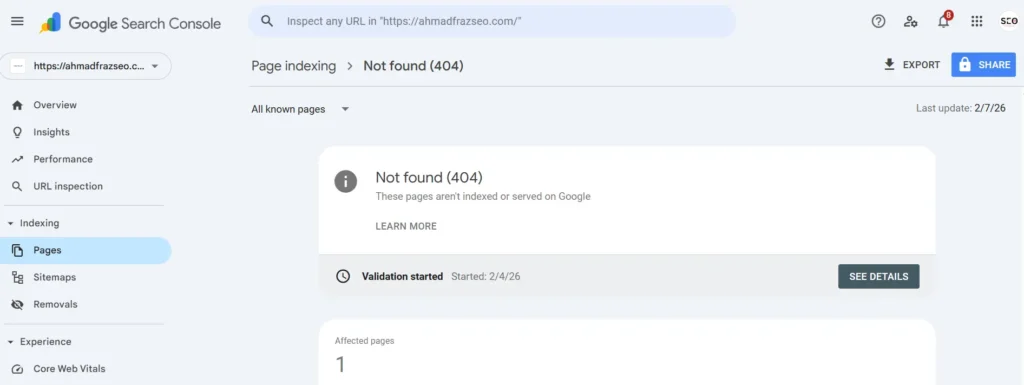
You can also check website for 404 errors inside Google Search Console:
Open Pages report
Look for “Not Found (404)”
Review affected URLs
This shows what Google itself is struggling with.
Browser Extensions
For quick checks while browsing:
Check My Links (Chrome extension)
Broken Link Checker tools online
These are useful but not as thorough as full crawlers.
How to Fix Broken Links (Step-by-Step)
Finding them is only half the job. Now let’s fix broken links the right way.
1. Restore the Missing Page (Best Option)
If the page was removed by mistake or still has value:
Bring it back
Keep the same URL
This preserves rankings and backlinks.
2. Set Up a 301 Redirect
If the content moved to a new URL:
Redirect the old broken URL → new relevant page
Use a 301 redirect (permanent)
This passes most of the SEO value and prevents users from seeing a 404.
3. Update the Broken Link
If the broken link is inside your content:
Replace it with the correct working URL
Or remove the link if it’s no longer relevant
This is common for external broken links.
4. Fix Broken Backlinks
If other websites link to your 404 page:
Redirect that broken URL to a relevant page
ORRecreate similar content on the same URL
This helps recover lost authority.
Fixing 404 Errors the Smart Way
Not every 404 needs a redirect. Here’s how to decide:
| Situation | What To Do |
|---|---|
| Page accidentally deleted | Restore it |
| Page moved | 301 redirect |
| Content outdated & no replacement | Leave 404 but remove internal links |
| Product permanently gone | Redirect to category or similar product |
Blindly redirecting all 404s to the homepage is a bad practice and confuses Google.
Best Practices to Prevent Broken Links
Here’s how to stay ahead:
✔ Run a broken links checker monthly
✔ Always add redirects when changing URLs
✔ Avoid deleting pages with backlinks
✔ Use internal linking carefully when updating content
✔ Monitor 404 errors in Search Console
SEO isn’t just about adding new content, it’s also about maintaining site health.
Why Fixing Broken Links is an Easy SEO Win?
Many websites ignore broken links because they seem “minor.” But fixing them:
Improves crawl efficiency
Preserves link equity
Boosts user experience
Strengthens technical SEO
That’s why Broken Links in SEO is not just a maintenance task, it’s an optimization opportunity.
FAQ - Section
Yes, broken links affect SEO indirectly. While Google doesn’t issue a direct penalty, broken links hurt user experience, waste crawl budget, and cause loss of link equity from backlinks, all of which can impact rankings over time.
A 404 error is an HTTP status code that means a page cannot be found on the server. It usually happens when a page is deleted, moved without a redirect, or the URL is entered incorrectly.
You can find broken links using SEO tools like Ahrefs, Screaming Frog, SEMrush, or Google Search Console. These tools crawl your site and identify URLs that return 404 or other error codes.
Yes. Most SEO audit tools crawl your entire website just like search engines do, which allows them to find both internal and external broken links across all accessible pages.
You can fix broken links by restoring deleted pages, adding 301 redirects to relevant pages, updating incorrect URLs, or removing links that are no longer needed.
Not always. A 404 is normal if a page is permanently removed and no relevant replacement exists. However, important pages or frequently visited URLs returning 404 errors should be fixed or redirected.
For active websites, running a broken links check once a month is a good practice. Large or frequently updated sites may need weekly checks.
Final Thoughts
Broken links and 404 errors are like cracks in your website’s foundation. One or two won’t collapse the house, but ignoring them over time weakens everything.
By regularly checking for broken links, fixing 404 errors properly, and preserving your link authority, you keep your website clean, trustworthy, and search-engine friendly.
Start with a full site crawl today, your rankings (and users) will thank you.
Ahmad Fraz is a seasoned SEO strategist and digital marketing expert with over 9 years of experience helping brands like Dyson, 3M, Marriott, and CureMD achieve measurable growth. Specializing in technical SEO, content strategy, and data-driven optimization, at Ahmad Fraz SEO, he empowers businesses of all sizes to improve visibility, drive qualified traffic, and achieve long-term digital success. His insights and actionable strategies are backed by years of hands-on experience and proven results.